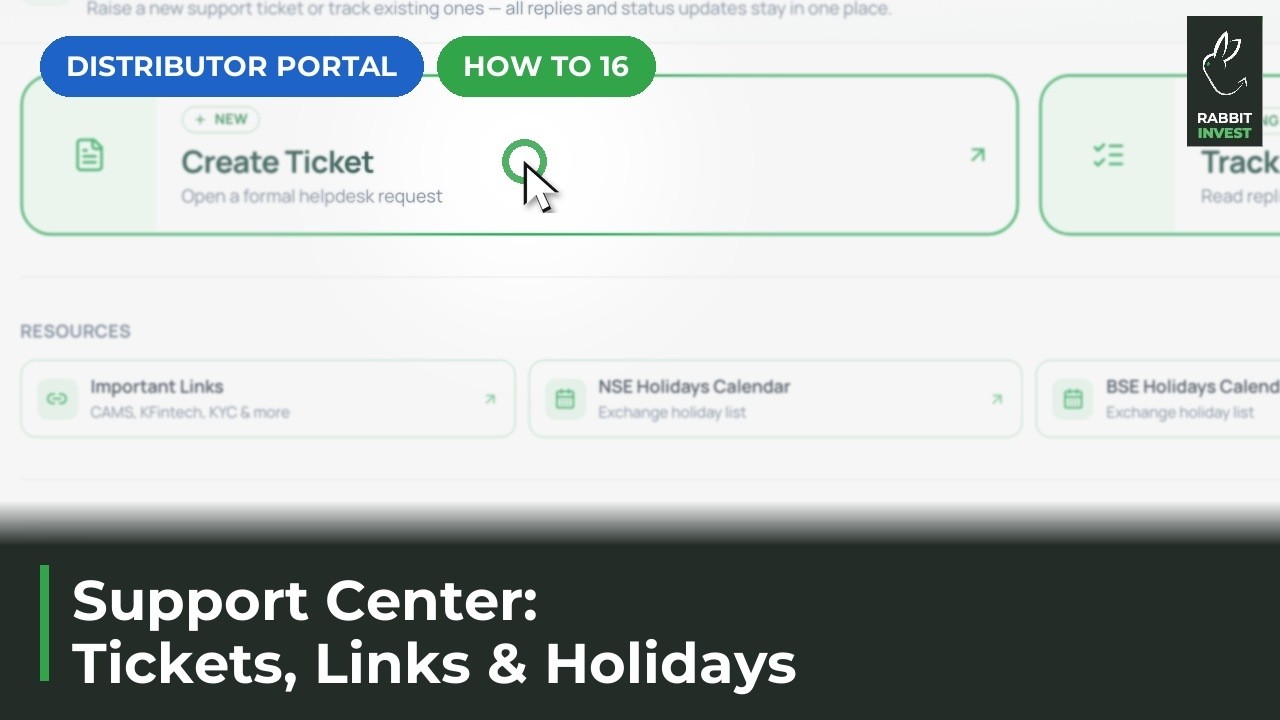
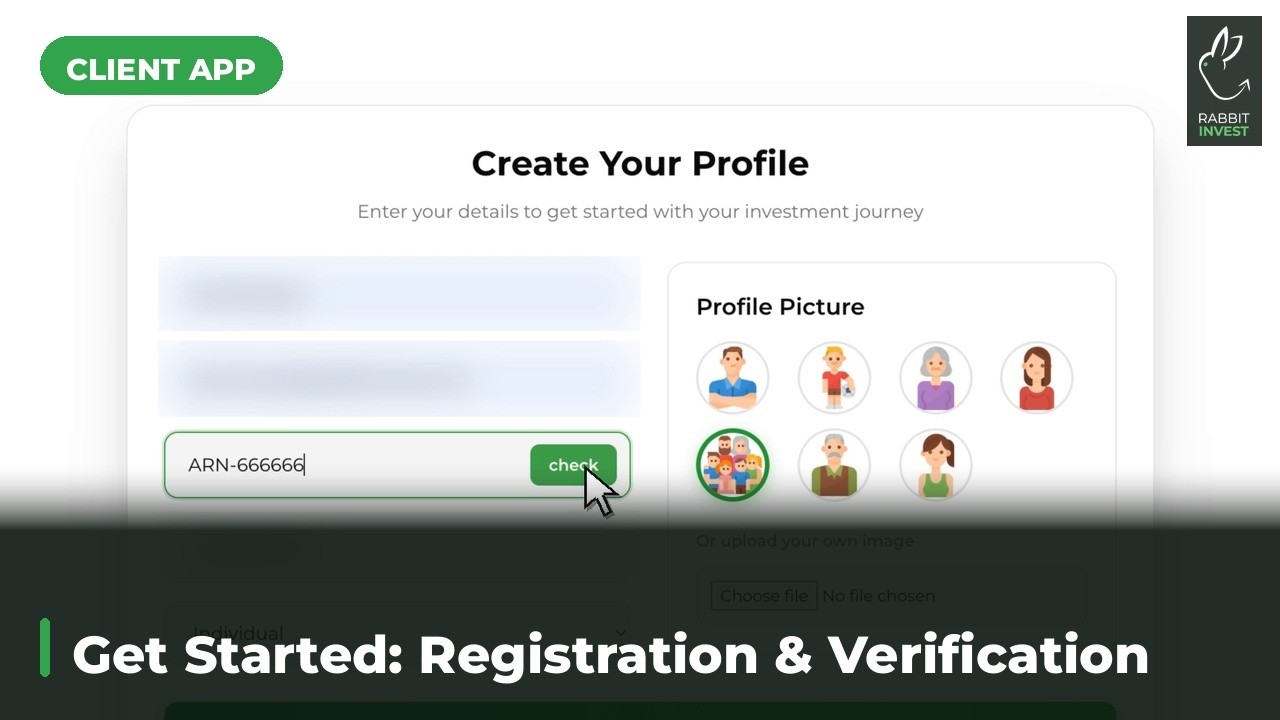
Step-by-step guides to unlock the full power of your platform.
Short walkthroughs of the jobs done most often on the platform, for you and for your clients.
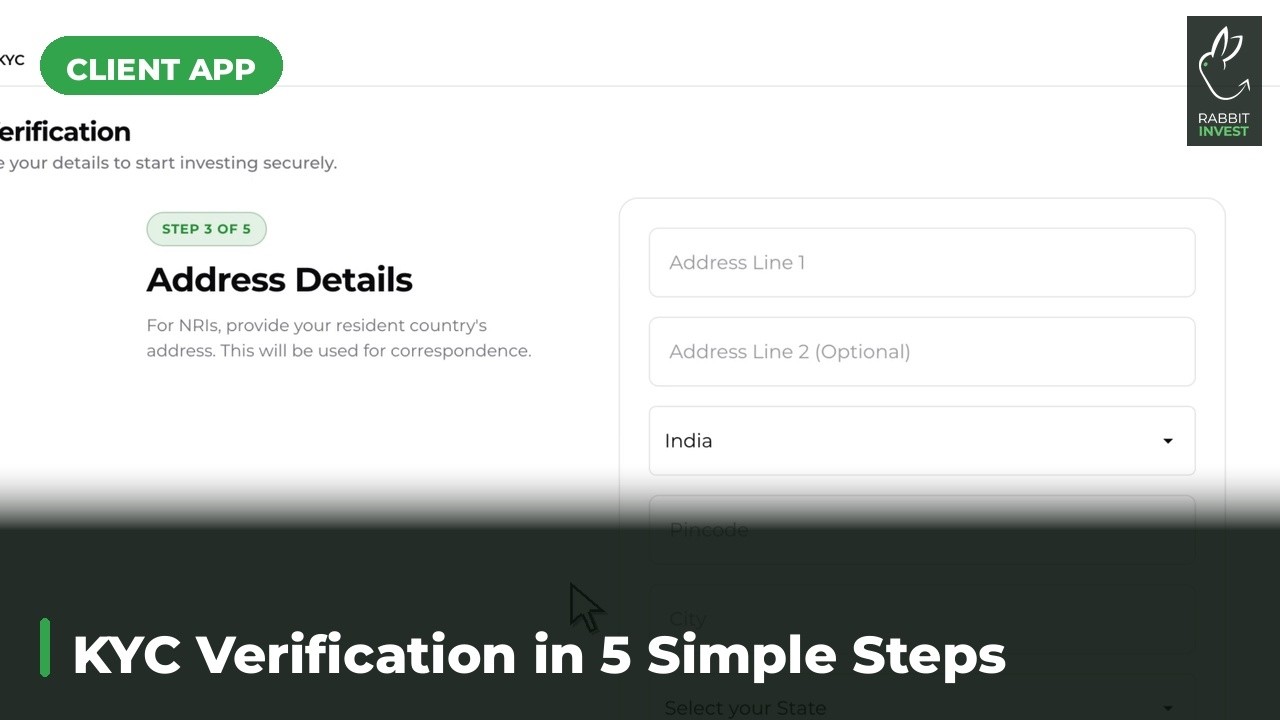
The platform checks KYC on its own, routes to CAMS Video KYC when it is pending, then takes you through tax status, basic details, income, bank details and submit. NSE emails the client an activation link and the account goes live.
Watch the guide →
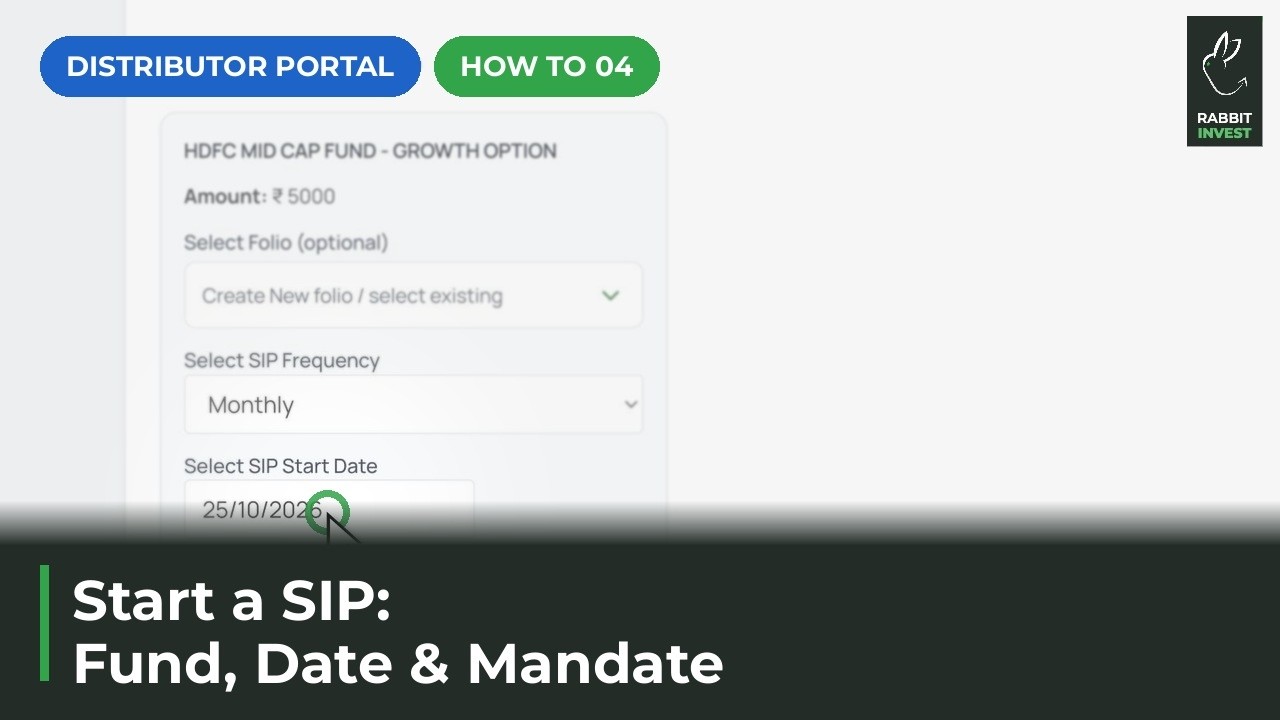
Open the client profile, search and select funds, then set the amount, frequency and mandate details. Review the order summary and generate a secure payment link to finish.
Watch the guide →
Every bulk action now lives under one Actions button, on desktop and mobile. Tick the clients, tap Actions, then Create Family, Notify, Download or Report. On the Family tab, Actions gives you Edit Family so you can rename, add or remove members, or delete a family.
Watch the guide →
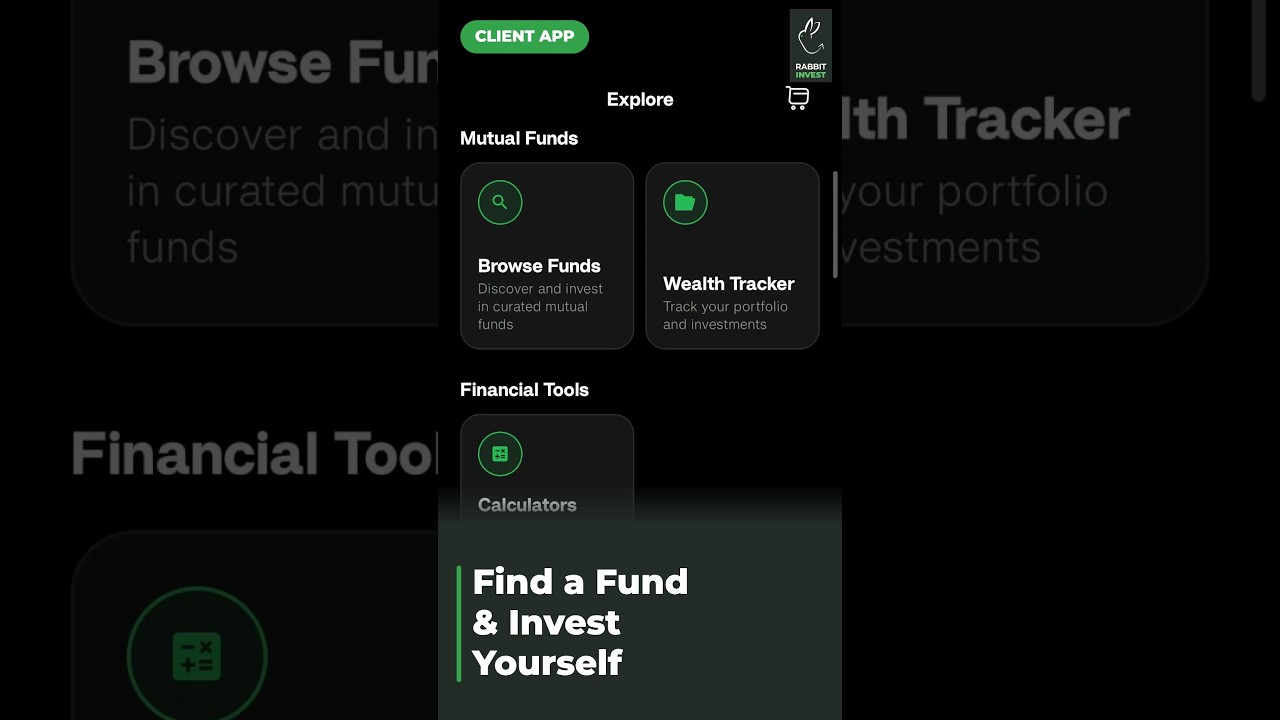
For investors. How to search the Explore page, pick a fund and complete an investment from the phone, without waiting for anyone.
Watch the guide →
For investors. What a client sees when you send a fund suggestion, and how fast they can act on it.
Watch the guide →Need hands-on help? Your RM is one message away.
Chat on WhatsApp