How to report a data mismatch
If a client’s portfolio data looks wrong in Rabbit Invest, open the client and tap Report data mismatch. Tick the summary or fund that looks wrong, add a short note and tap Submit Report. You can track the fix in Support, under Track Tickets.
Steps
Open the client and tap Report data mismatch
Right from the client page.
Tick the summary or fund that looks wrong
Point the team to the problem.
Add a short note
Say what you expected to see.
Tap Submit Report
The team is notified.
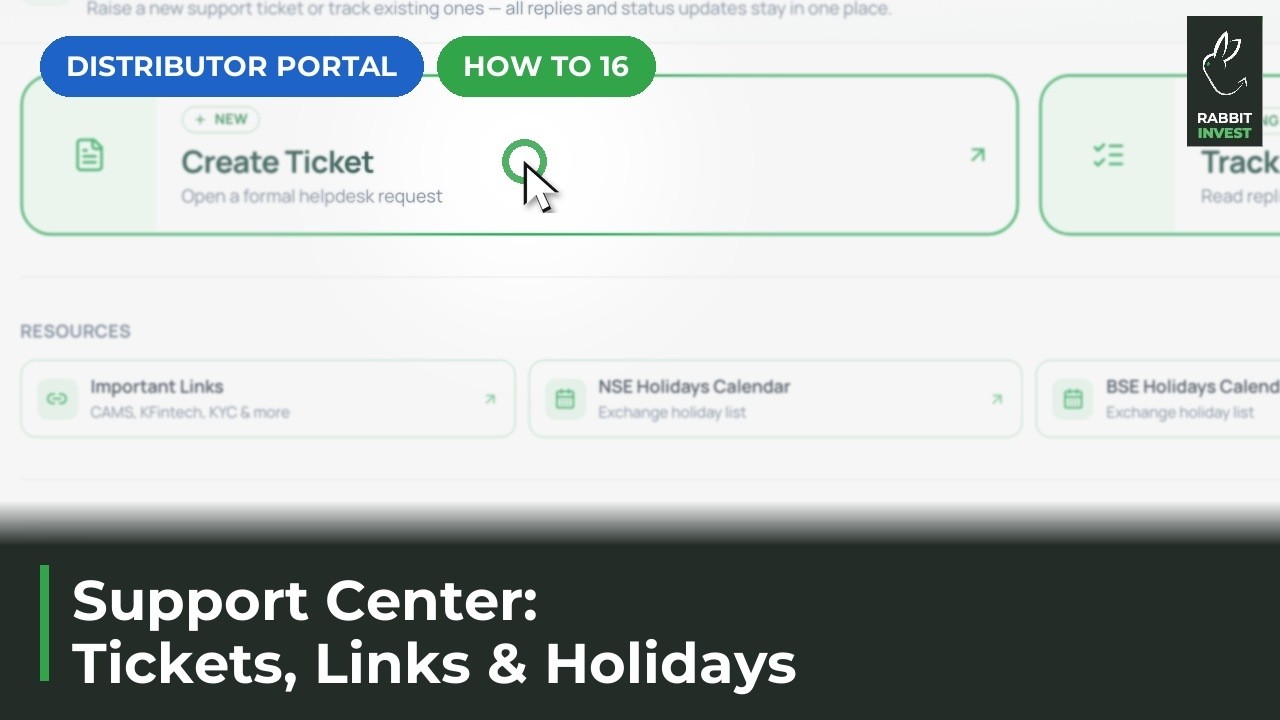
Track the fix in Support, Track Tickets
See the status and replies.
If something does not work
How long does a fix take?
You can follow progress in Support, Track Tickets. For urgent cases, message us on WhatsApp.