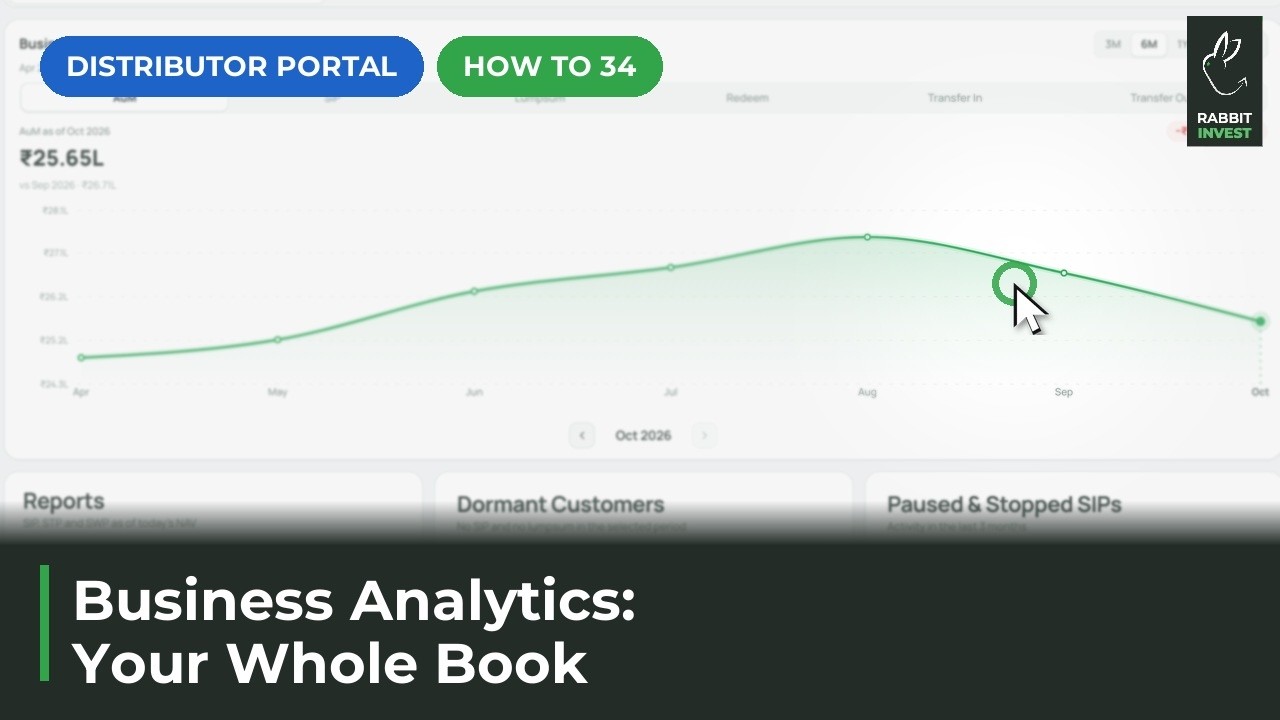
How to read a client’s portfolio analytics
To see a client’s portfolio analytics in Rabbit Invest, open the client and go to Analytics & Reports. See the portfolio value over any period, compare AUM and invested amount fund by fund, and check the top sectors and holdings.
Steps
Open the client, then Analytics & Reports
Analytics live on the client page.
See portfolio value over any period
How the portfolio has grown.
Compare AUM and invested amount, fund by fund
Which funds are doing the work.
See the top sectors and holdings
Where the money really sits.
If something does not work
Can I download this as a report?
Yes. Reports sit in the same tab. See the guide on downloading client reports.