Distributor Guide · Guide 09
Send Reminders & Notifications
One of the most essential features of the platform. Send in-app and WhatsApp notifications to clients with one click. Replace scattered reminders with timely, professional nudges directly from your dashboard.
Part of the Client App & Reminders feature on Rabbit Invest. See plans →
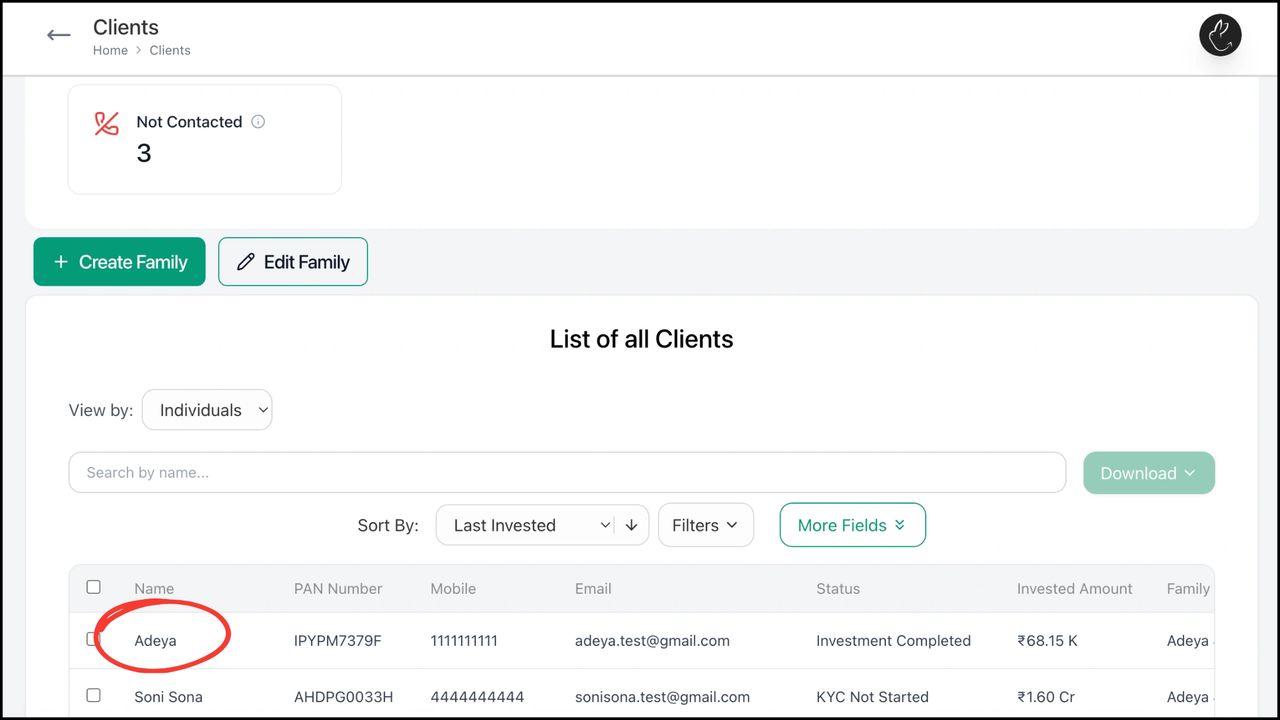
- •Go to the Clients tab on your dashboard. Click on the client you want to send a reminder or notification to.
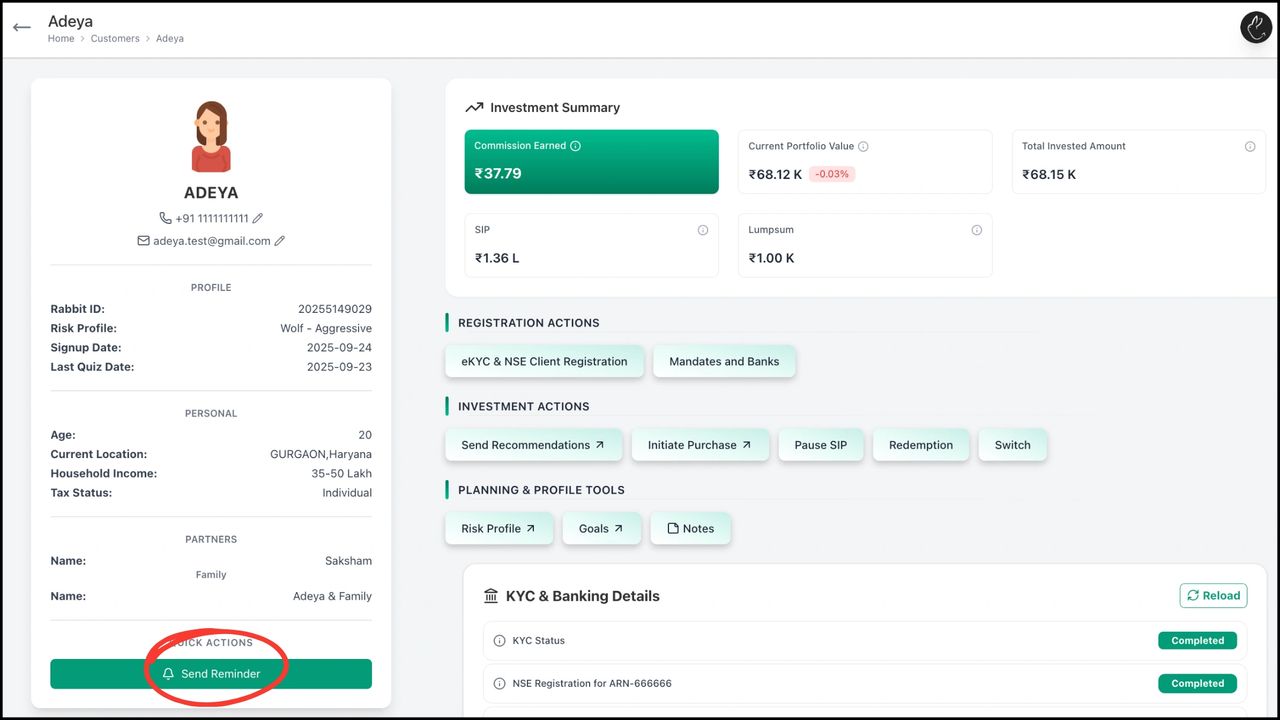
- •Click on 'Send Reminder'.
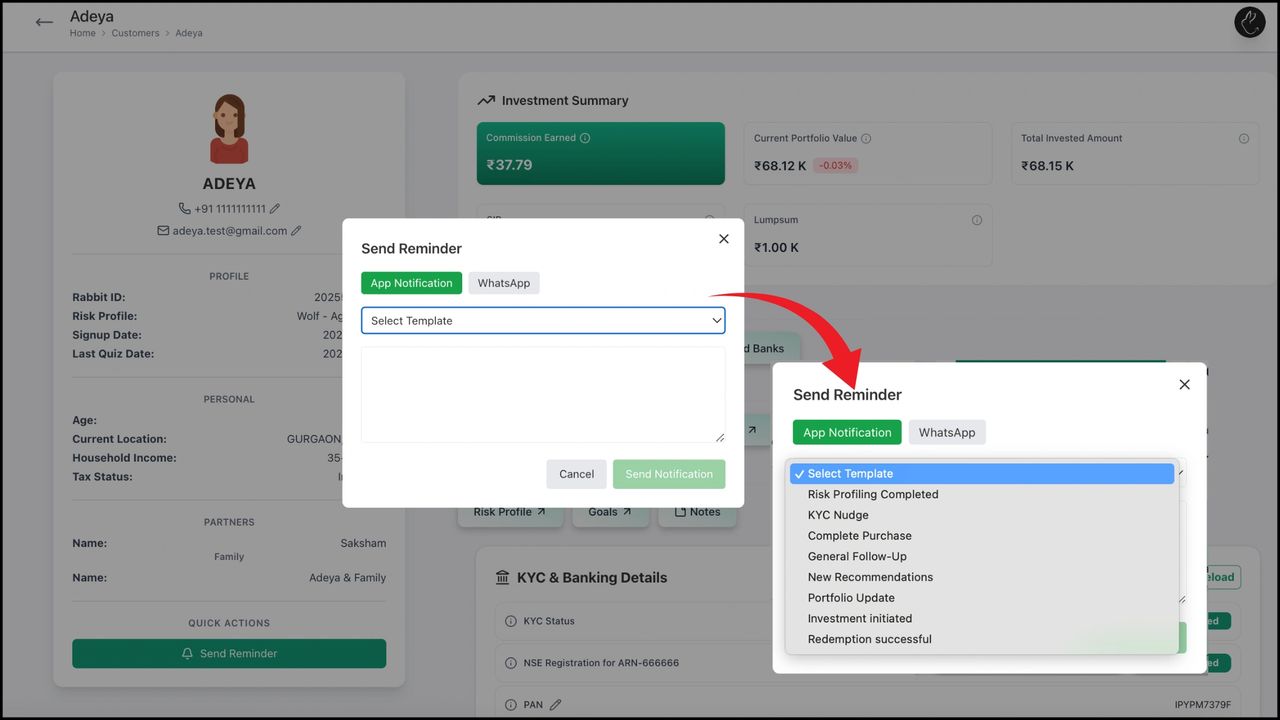
- •Choose to send an in-app or WhatsApp notification. Select from default templates or edit the message as needed.
Need hands-on help? Your RM is one message away.
Chat on WhatsApp