Video Guide · Transactions
Start a SIP. Seven steps.
From the client page to a running monthly SIP, without leaving the platform.
Steps in this video
Setting up a monthly SIP for a client, from the client page.
1
Transact
From the client page, tap Transact.
2
Pick NSE or BSE
Choose the exchange for the order.
3
Search the fund and Add
Find the fund and add it to the order.
4
Purchase
Move to the purchase screen.
5
Choose SIP and the amount
Pick SIP and enter the instalment amount.
6
Set frequency and start date
Pick how often the instalment runs and when it starts.
7
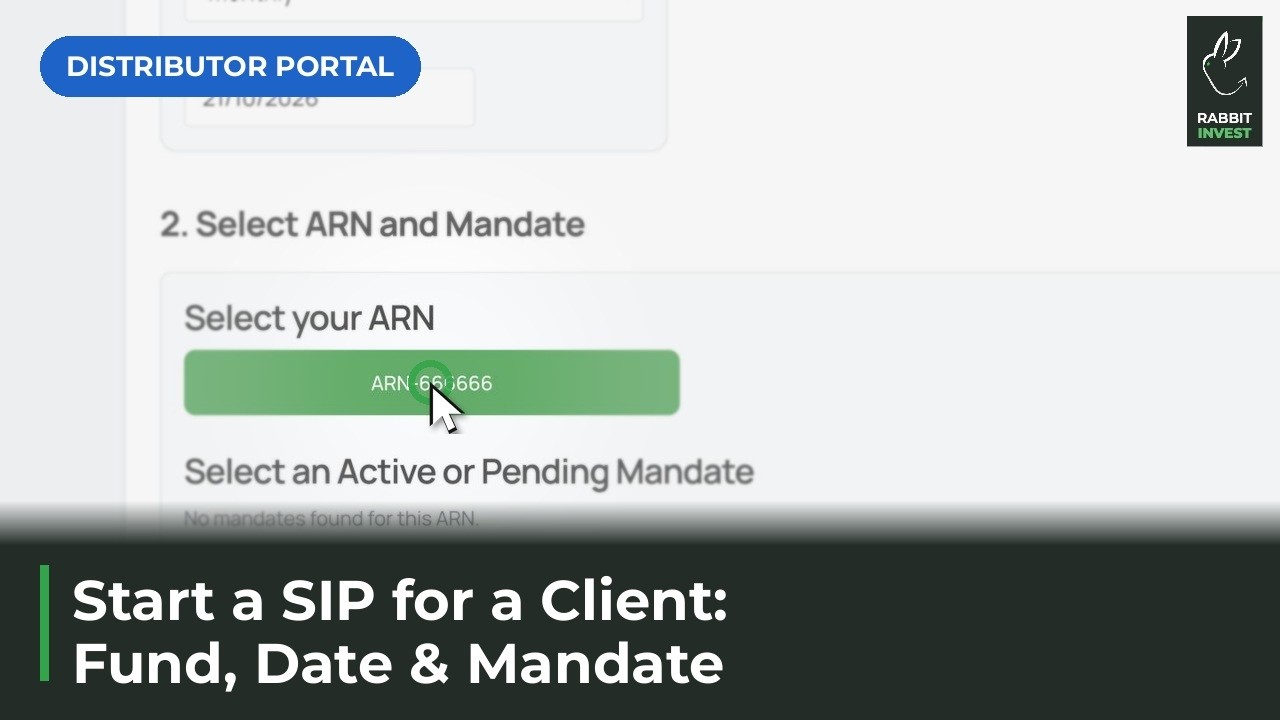
Select your ARN and a mandate
Pick the ARN for the order and the mandate the instalments are debited against.