How to browse mutual funds and check fund details
To find a fund in Rabbit Invest, open Browse Funds and filter by category, AMC and plan, or search by name. Tap a fund to see returns over any period, check costs, exit load and risk, and tap View Factsheet for more. New fund offers sit under NFO.
Steps
Open Browse Funds
The full fund list.
Filter by category, AMC and plan
Narrow the list in a few taps.
Or search a fund by name
Jump straight to it.
Tap a fund to see returns over any period
From one month to all time.
Check costs, exit load and risk
Everything a client may ask about.
Tap View Factsheet for more
The full fund document.
Find new fund offers under NFO
Live NFOs in one list.
If something does not work
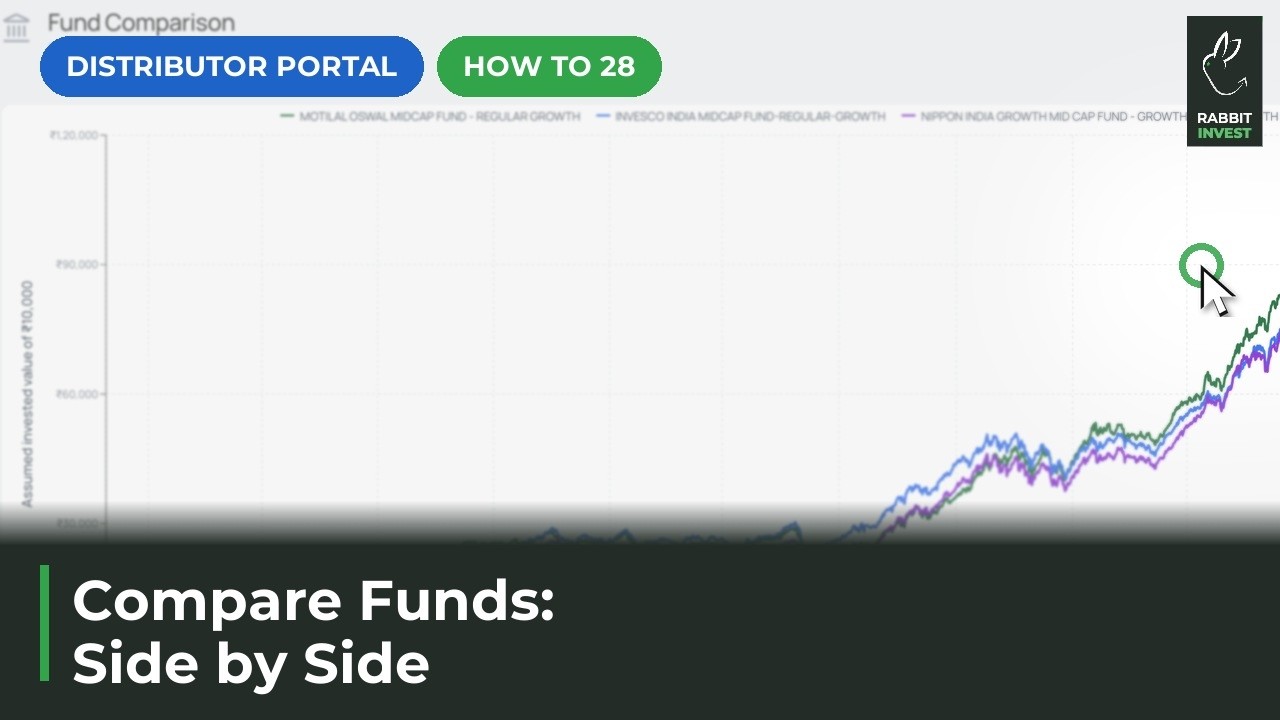
Can I compare two funds?
Yes. Tick the funds in Browse Funds and tap Compare now. See the guide on comparing funds.