How to add client notes and send a quick notification
To keep notes in Rabbit Invest, open the client and tap Notes, then Add New Note, and write a title and the note. To message the client, tap Notify on the client page, pick app notification or WhatsApp, and choose a message.
Steps
Open the client and tap Notes
Every note for that client.
Tap Add New Note, then write a title and the note
Keep every meeting on record.
Tap Notify to message the client
Right from the client page.
Pick app notification or WhatsApp, and choose a message
Sent in two taps.
If something does not work
Can I message many clients at once?
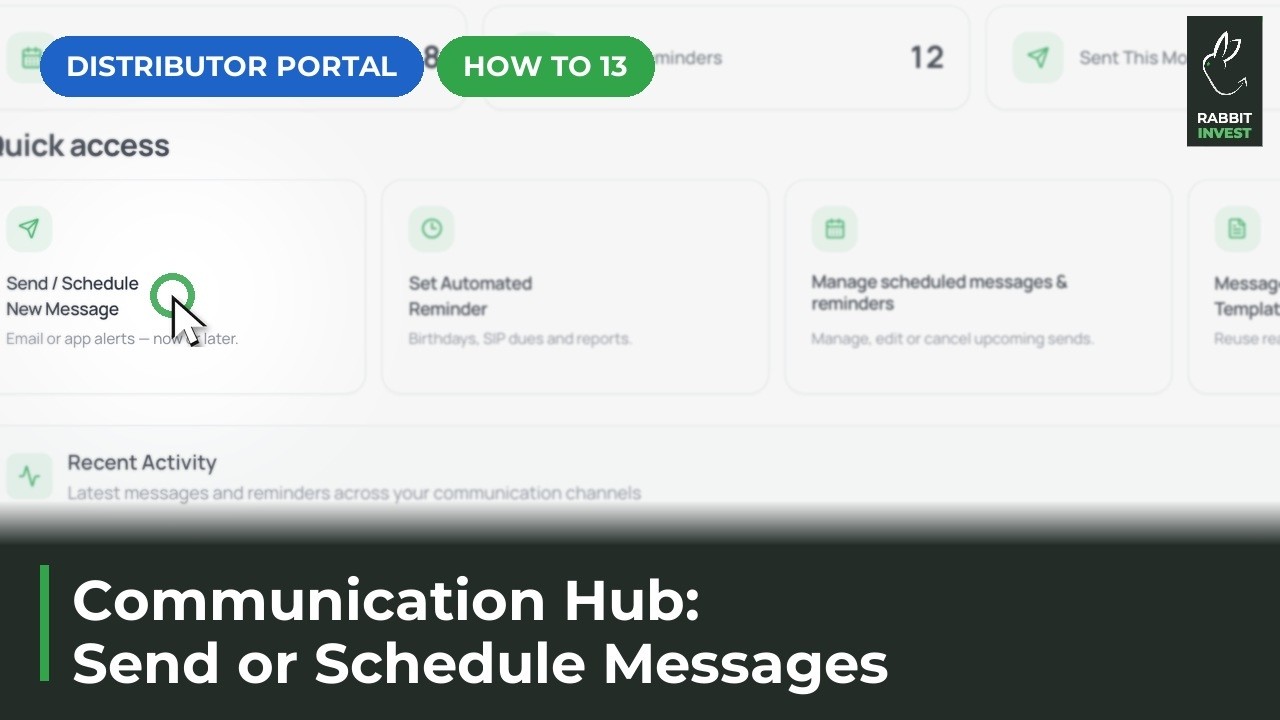
Yes. Use Communication Hub to message several clients or a family. See the guide on sending and scheduling messages.