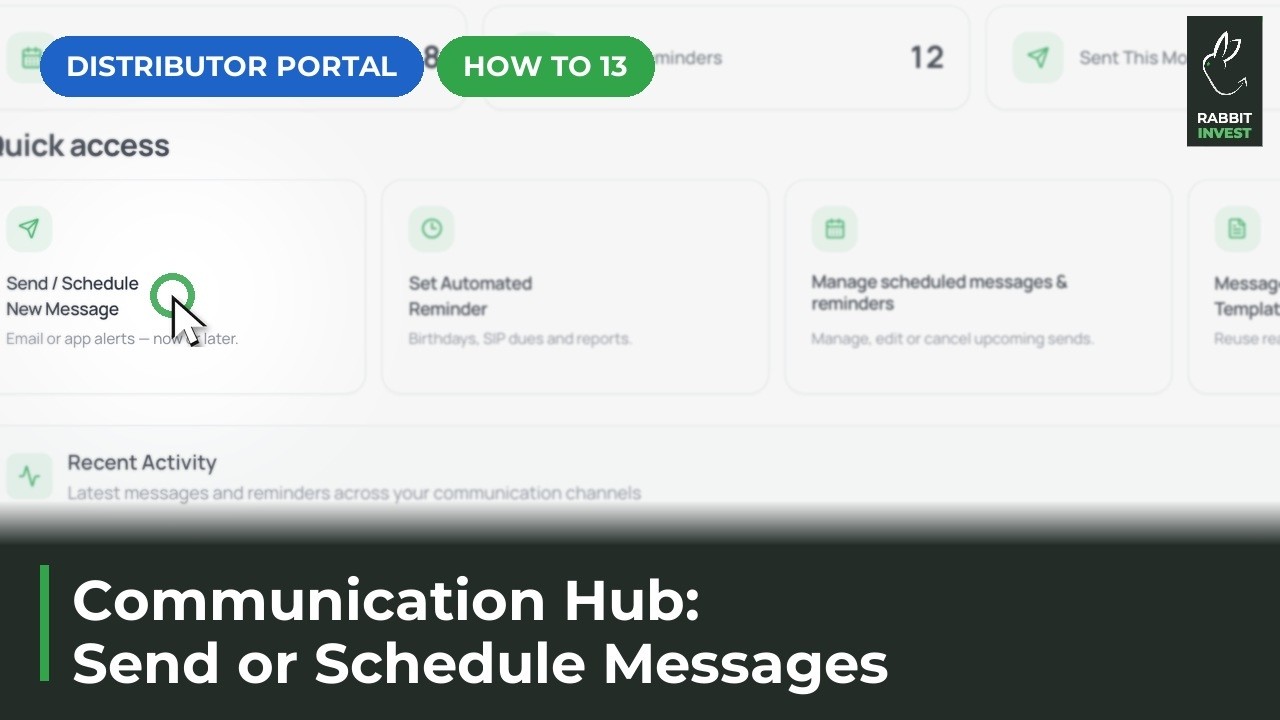
Communication Hub for mutual fund distributors
The Rabbit Invest Communication Hub keeps mutual fund distributors in touch with every client without manual work. SIP reminders and birthday wishes go out on their own, one message can be scheduled to many clients at once, and templates fill in client details for you. Every message sent stays on record in Message History.
Stop chasing SIP dates
SIP reminders that go out on their own before every SIP date, so you no longer remind each client yourself.
Open Communication Hub, then Set Automated Reminder
Automations live here.
SIP reminders go out on their own
Clients are reminded before their SIP date.
Tap Edit and choose who gets the nudge
All clients or only the ones you pick.
Every message sent stays on record
Check what went out in Message History.
One message, many clients
One message to many clients at once, scheduled a single time. No copy and paste, no sending one by one.
Tap Send / Schedule New Message
In Communication Hub.
Select every client in one tap
Or pick only the clients you need.
Choose email or app notification
Reach clients where they look.
Start from a ready template
Client details fill in for you.
Schedule it once
It goes out on time, on its own.
Birthdays remembered for you
Birthday wishes that send themselves every year. Clients feel remembered, and you never miss a date.
Birthday wishes run on their own
Set them up once in Communication Hub.
Tap Edit to choose clients
Decide who receives a wish.
Every client with a birthday on file is covered
Add birthdays to client profiles to include them.
Pick the channel and the time
The wish goes out on the day.
Write once, send forever
Reusable messages that fill in client details for you, so you stop typing the same message again and again.
Open Message Templates
In Communication Hub.
Use a ready message
Client details fill in for you.
Save your own for next time
Give it a name, a subject and the message.
See every message that went out in Message History
Sent, scheduled and failed, all in one list.
Questions
Do I have to do anything every month for SIP reminders?
No. Once you set up the automated reminder, it goes out on its own before each SIP date. You can tap Edit at any time to change who receives it.
How do messages reach my clients?
You can send by email or app notification. Pick the channel when you create the message or the automation.
Can I see which messages were sent?
Yes. Message History in Communication Hub lists every message that was sent, scheduled or failed.