
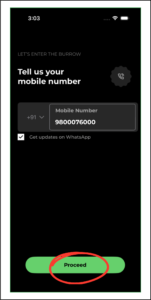
1. To sign up on the customer app, enter your mobile number and click on ‘Proceed’
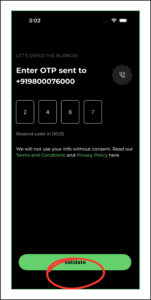
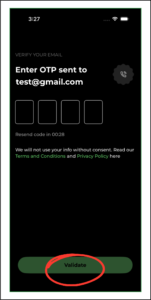
2. Enter the OTP received to ‘Validate’ the mobile number
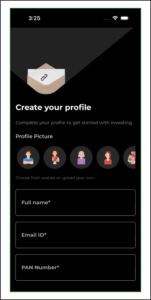
3. ‘Create your profile’ by entering the necessary details
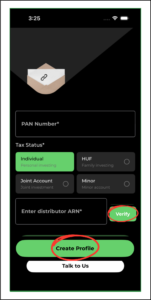
4. Enter the ARN number given by your distributor and click on ‘Verify’ to recheck the distributor details. Click on ‘Create Profile’
5. You will receive an OTP to ‘Validate’ your email address
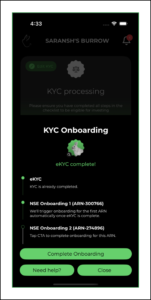
6. Click on your profile to continue
In this way you can create multiple profiles for your family and manage it in one device

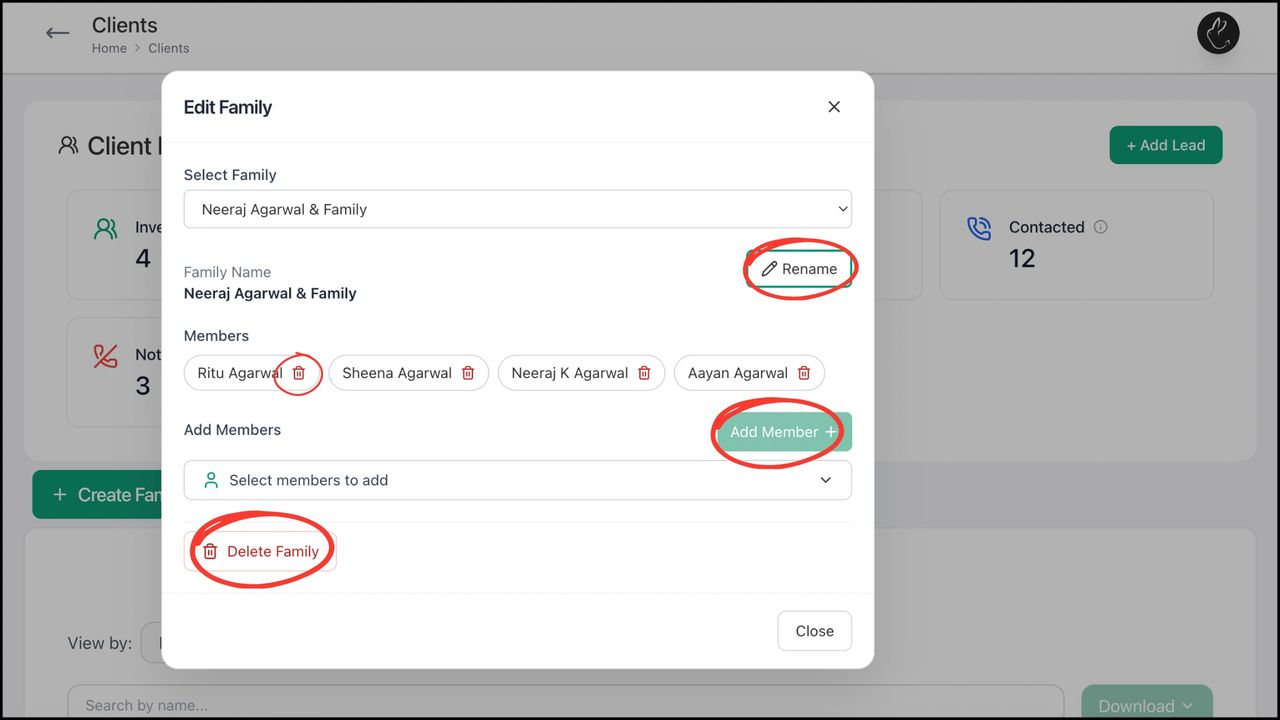
BACK Create, Edit, and Manage Family with Rabbit...