Completing KYC helps us verify your identity and activate full access to the app. You’ll need to enter your personal details, which will hardly take 5 minutes. Once submitted, your KYC status will update after review.

1. To complete your KYC, click on ‘Get Started’ on the home page
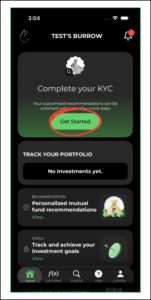
Click on get started to start your kyc process on rabbit invest app


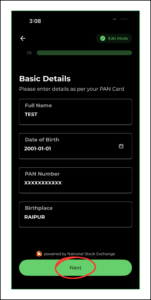
2. The KYC process has 5 steps to it. Fill out the ‘Basic Details’ and click on ‘Next’
 

3. Step 2 is ‘Income Details’, click on ‘Next’
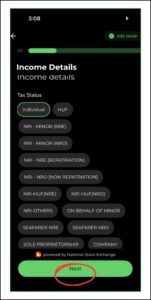
Step 2 is ‘Income Details’, click on ‘Next’


4. Step 3 is ‘Address Details’, click on ‘Next’
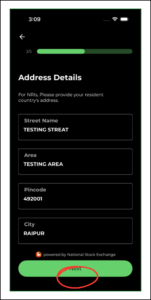
Step 3 is ‘Address Details’, click on ‘Next’


5. Step 4 is ‘Bank Details’, click on ‘Next’
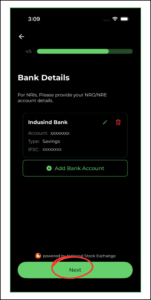
Step 4 is ‘Bank Details’, click on ‘Next’


6. Step 5 is ‘Nominee Details’, click on ‘Submit’
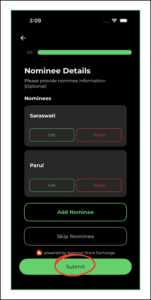
Step 5 is ‘Nominee Details’, click on ‘Submit’


7. You receive an email to verify the KYC to complete the process
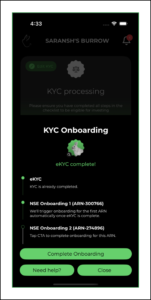
You receive an email to verify the KYC to complete the process

Posts

How to get started with Rabbit Invest app?

BACK New to the Rabbit Invest App? This doc covers...

How to complete KYC using Rabbit Invest app?

BACK Completing KYC helps us verify your identity...

Create, Edit, and Manage Family with Rabbit Invest

BACK Create, Edit, and Manage Family with Rabbit...