
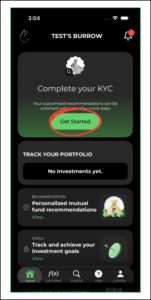
1. To complete your KYC, click on ‘Get Started’ on the home page
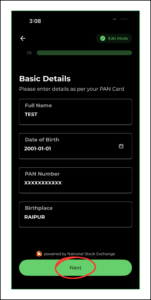
2. The KYC process has 5 steps to it. Fill out the ‘Basic Details’ and click on ‘Next’
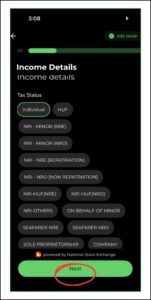
3. Step 2 is ‘Income Details’, click on ‘Next’
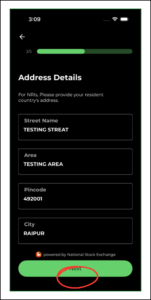
4. Step 3 is ‘Address Details’, click on ‘Next’
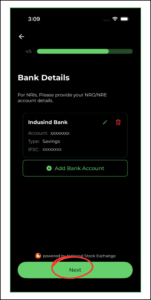
5. Step 4 is ‘Bank Details’, click on ‘Next’
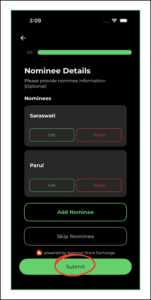
6. Step 5 is ‘Nominee Details’, click on ‘Submit’
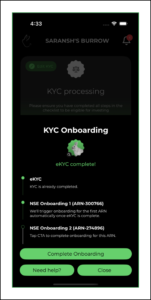
7. You receive an email to verify the KYC to complete the process

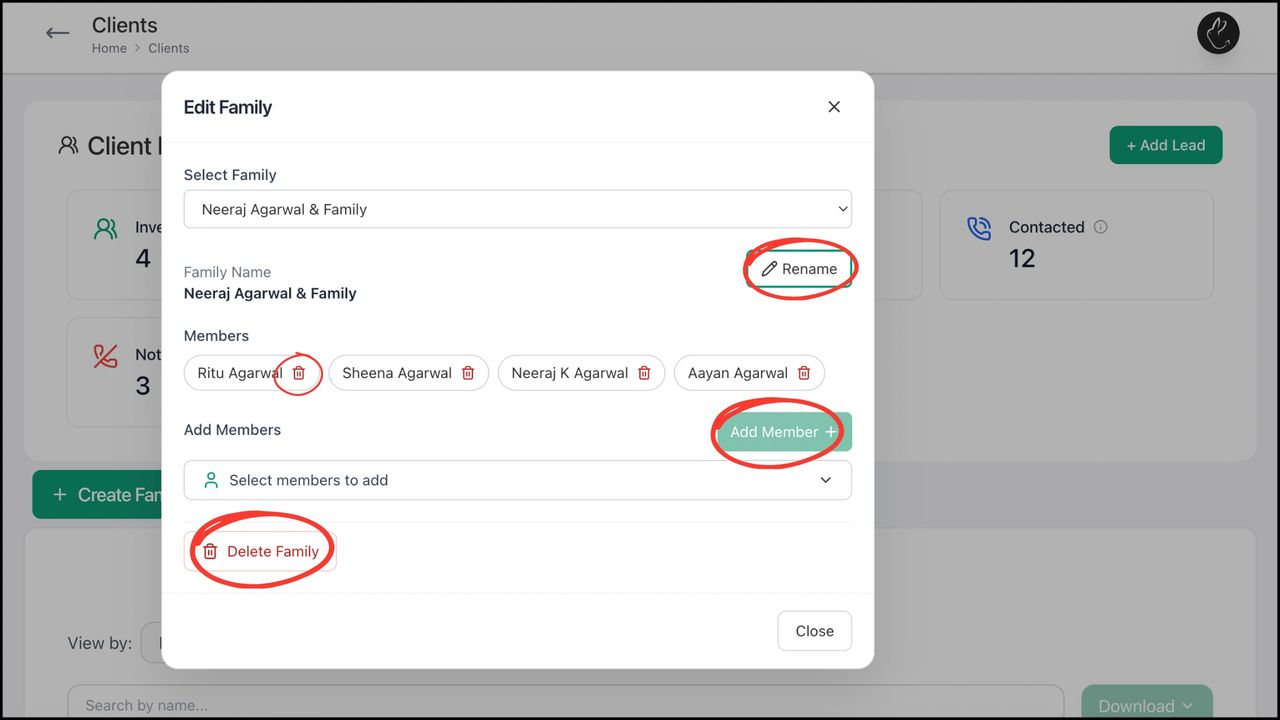
BACK Create, Edit, and Manage Family with Rabbit...