
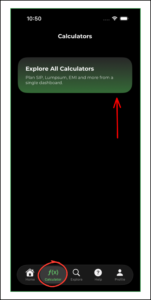
1. Click on the ‘Calculators’ tab in the navigation bar. Click on ‘Explore All Calculators’ to choose which calculator you want to use
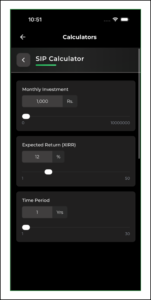
2. Click on the calculator you want to use

3. Fill in the necessary details to get the result
4. Scroll down to see the graphical representation, as well as the calculated result



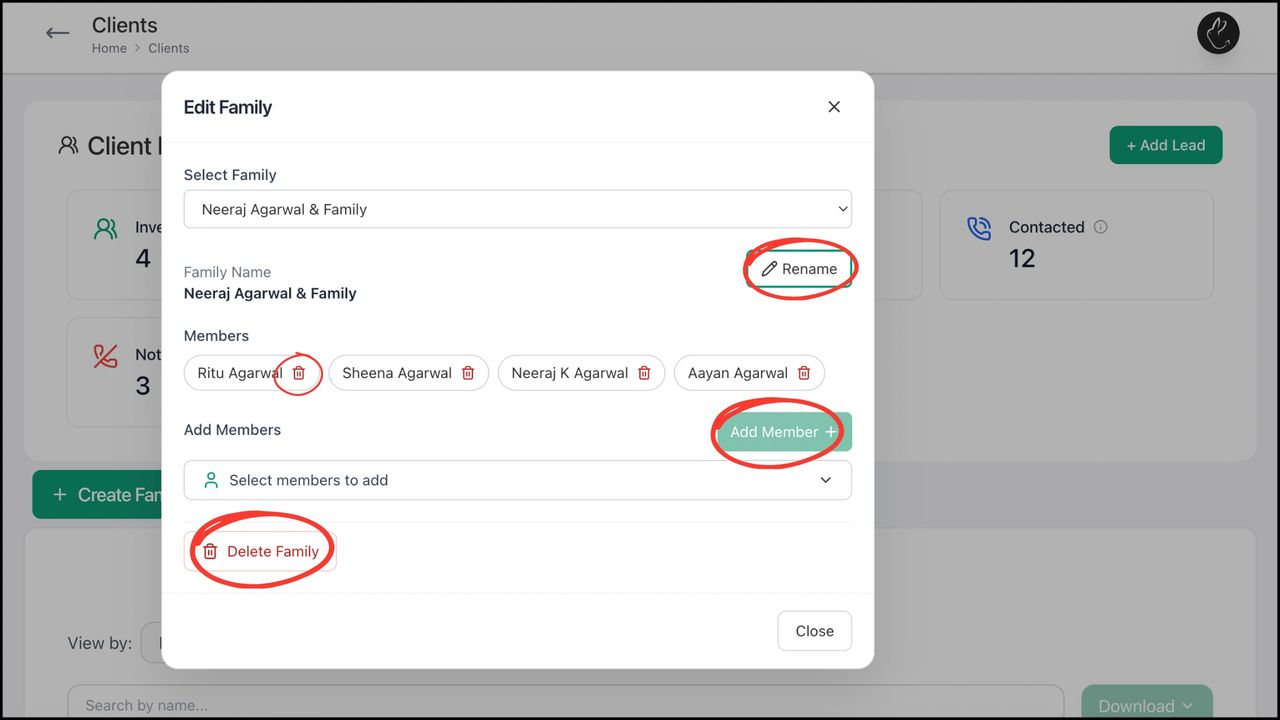
BACK Create, Edit, and Manage Family with Rabbit...