
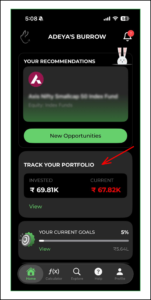
1. Click on ‘Track your Portfolio’ tab on the home page
2. You can see the summary of your portfolio. You can put smart filters and refine your search
You can also sort your search based on the overall portfolio/ SIP/ SWP/ STP
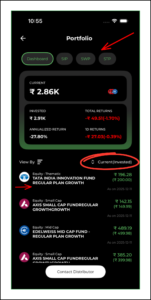
3. You can explore a particular fund by clicking on that fund’s tab
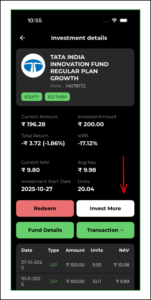
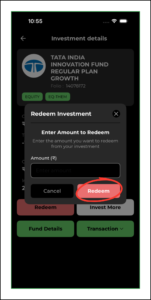
4. In order to ‘Redeem’, once you confirm the amount, a notification will be sent to your distributor for approval
5. If you choose to sort the portfolio based on ‘SIP’, you can see a summary of your SIPs
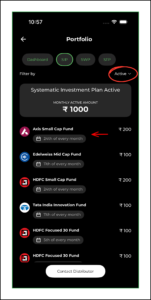
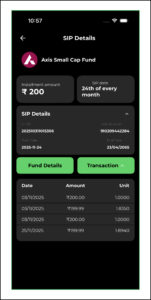
6. Click on a particular fund’s tab to explore the details of it

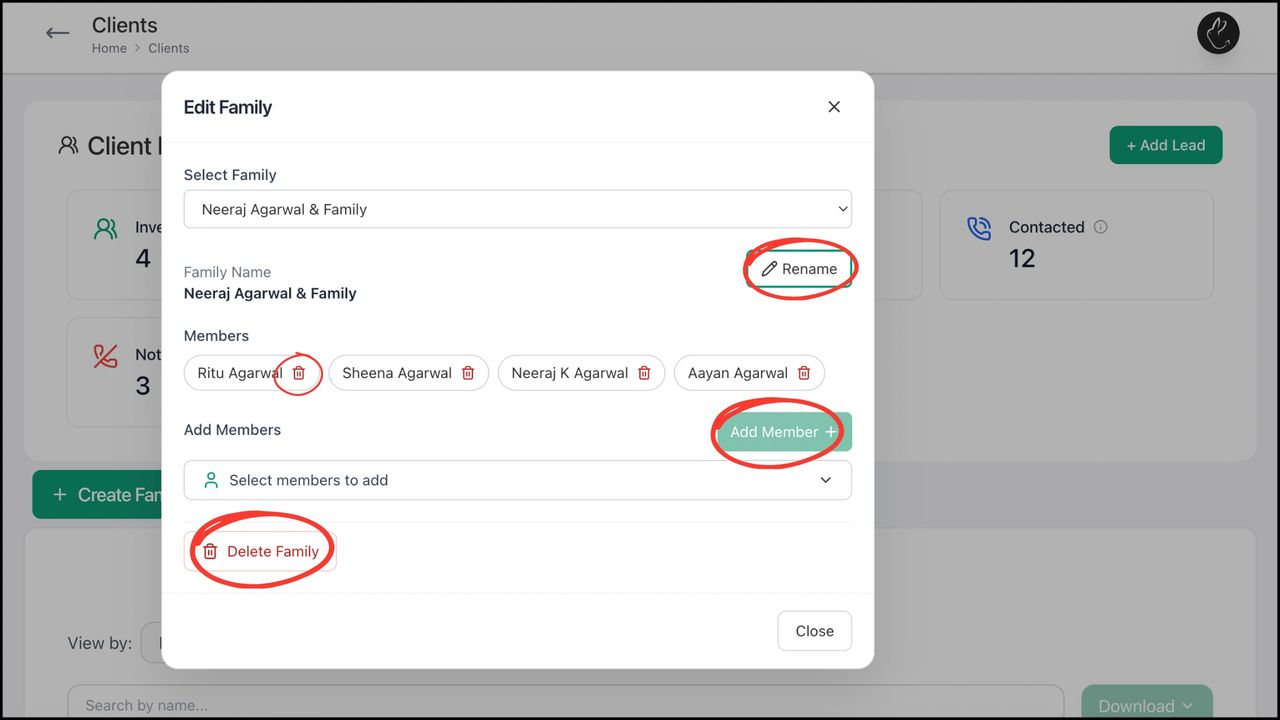
BACK Create, Edit, and Manage Family with Rabbit...